
Main menu
You are here
Reports

Reports are used to organize database information in a format which gives a clear picture of where the organization stands.
To start, click on the Reports  button
on the main Theatre Manager toolbar / ribbon bar.
button
on the main Theatre Manager toolbar / ribbon bar.
The Reports window opens.
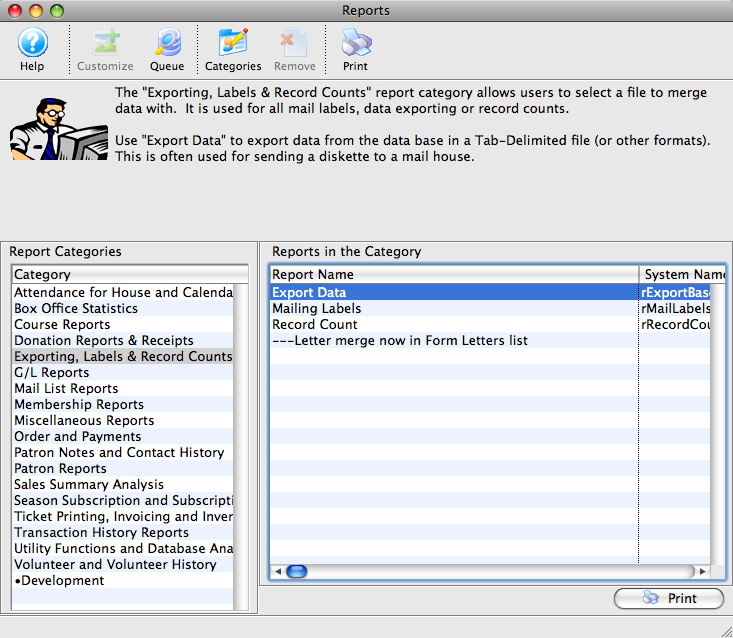
Click here for more information on generating a report.
| You can download the Cheatsheets (1-2 pages) and Screencasts (online video demonstrations of the functions with narration) by clicking on the icon. |
Cheatsheet (pdf) |
Flash ScreenCast |
MP4 ScreenCast |
| Reports Overview |
 |
 |
 |
| Reports Criteria Overview |
|
| |
| Add Custom Categories |
|
| |
| Reports - Export Data |
|
| |
| Reports - Create Labels |
|
|
|
| Conditions Cheatsheet |
|
Diataxis: