
Main menu
You are here
1. Importing Data

At this time Theatre Manager allows organizations to import patron demographic data only (name, address, phone number, email, etc.) from another program. All other data (for example ticket history, donations or other transactional data) should be handled by the Arts Management staff to ensure the data is properly imported.
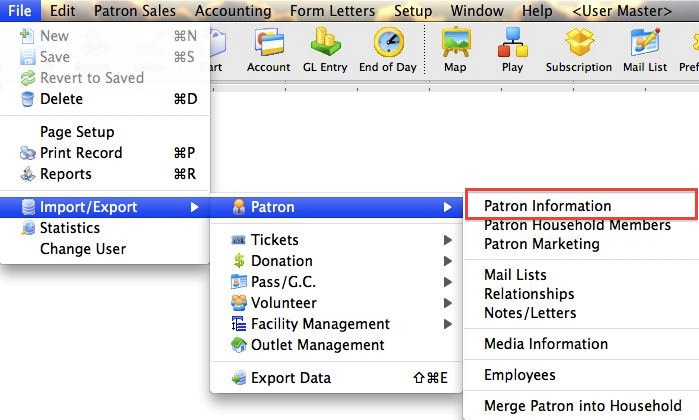
- From the main menu bar, go to File >> Import/Export >> Patron >> Patron.
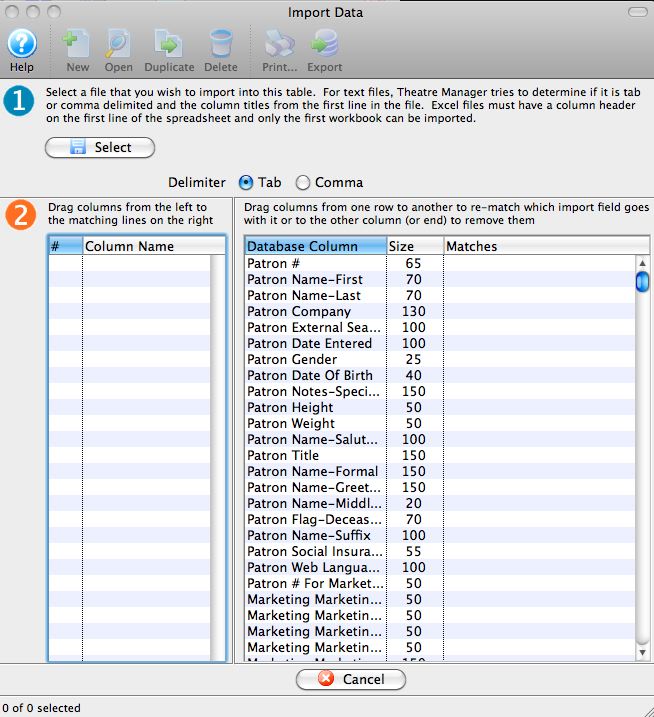
This will open the Import Data window.
Diataxis: